Getting work done
“It’s amazing how much you can get done in a day if you just sit and you do it.”
Some days you'll just sit down and BANG! – stuff gets done.
Hi, my name is Isko Salminen.
I'm an adventure seeker and I love exploring nature with my camera and Australian Shepherd called Fire
“It’s amazing how much you can get done in a day if you just sit and you do it.”
Some days you'll just sit down and BANG! – stuff gets done.
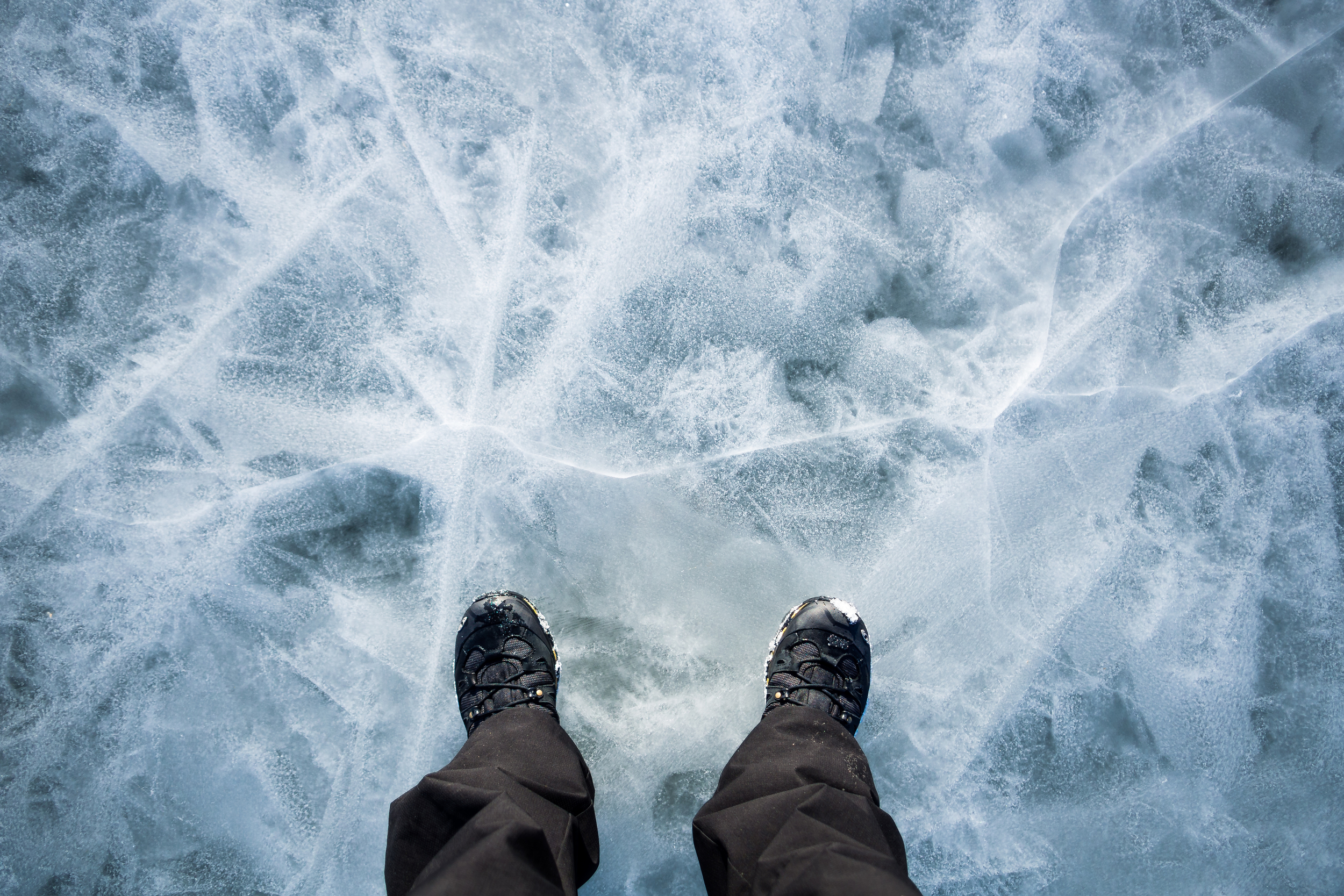
Took this while walking between island on the coast of Helsinki. You can see the open water at the background.
Two weeks ago the weather in Helsinki was absolutely perfect! During the weekend, the weather gods decided to bless us with one of those rare winter/spring days when it's still freezing but there's no wind, no clouds, and the sun is shining.
We decided to take full advantage of this rarity and headed out on the ice with Fire. The coast of Helsinki is just perfect for these kind of day trips.
The low night temperatures had kept the ocean between the small islands frozen, but the warmer weather had opened up the open waters. This allows you to walk on ice almost up to the waters edge.
Fire was fully enjoying the day out. He loves exploring new places and never gets tired of walking out on the ice. He got his shepherding mojo out and ran loops around everyone he could find on the ice.
As you can see, we weren't the only ones out on the ice. There were guys playing hockey on the ice, skating, skiing and just wandering around.
The funny thing is that five days later, the area in the photo above was just open water.
Spring!
It has been pretty quiet here recently as I've been moving my site from a self-hosted ExpressionEngine setup to Squarespace 6.
I'm currently in the last stages of moving everything over, finalising things and making sure all the links and such work.
As I was moving everything, I also made some minor updates to the UI and the visual look of the site. I've also added some nifty new functions – thanks to Squarespace.
If everything goes well, I'm looking to launch the new site during the easter break.
I love this part:
If I should die it doesn't matter, I did something that I love.
That's a good life lesson!
I took a bunch of photos of Madelen last week as the sun came up for a bit.
I've been wanting to do a diptych for a while now and these seemed to be perfect for it. Tried using Lightroom to create this but failed miserably so I had to use the good old Photoshop to do the trick.
Taken with Olympus OM-D and Voigtlander 17.5mm f0.95 lens, at around f1.4.
Edit, Nov 15, 2014: I found a way to work around the issue of not having Evernote running while executing this macro. Check out the updated macro.
Edit, May 8, 2014: As this was originally written in 2012, and as there have been many updates to Evernote and Keyboard Maestro, I updated the macro to work with the latest versions. The updated macro also addresses the focus issue mentioned in the comments by Pawel.
---
Ben Brooks wrote an article on how he uses Keyboard Maestro and a hot key trigger to save and append quotes in a text file for later reference. You can read his article here.
Ben's solution was great but I needed to modify it a bit for me as, instead of a single text file, I wanted to save the quotes in a single Evernote note.
I've never used Keyboard Maestro before but with Ben's macro, some Googling and trial and error I managed to hack together a solutions. Here's how I modified Ben's macro:
Most of it is the same (I just changed the hot key, a personal preference), but the "Open URL:" is the key part.
For this to work, if you don't already have one, create a new note in Evernote. Also, make sure to sync Evernote at this point. To get the URL for the note, right-click on it and select "Copy note link".
This will give you a http:// link to the note. But for this macro to work, you'll need the old evernote:// style link.
If you use the http:// link in the macro, it won't work. The easiest way I found to get the evernote:// link is to paste the http:// link as plain text to an blank Evernote note (Edit -> Paste As Plain Text).
Now copy this link and paste it as the URL to be opened, and select Evernote as the application to open it with.
Previously, if Evernote wasn’t running in the background, this macro didn’t work. It would open Evernote app and try to append the text, but the macro would finish way before Evernote app was even up and running.
To work around this issue, I added two extra steps. First, we activate Evernote and bring it to the front. At the same time we pause the script until it detects Evernote is at the front. Then, after opening the note we want to append the text to, we add a small delay until we have the note window open. We check this against the window title (change the Title to what ever you call your note).
This way we only paste the text after 1) we have Evernote running, and 2) we have the right note window open and at the front.
Evernote used to set the focus on the note body, but ever since the update, it now focuses on the note title instead. To get around this, and to paste the text to the note body, I added an extra Tab-keystroke action before the Insert Text action. This will move the focus from the note title to the body before the text is inserted.
And that's it. I also made some minor modifications to Ben's append text but this is just for my taste:
“%NamedClipboard%Quoted text%” | saved %ShortDate% %ShortTime%
%NamedClipboard%URL%
%Return%
---
%Return%
%Return%
You can find more great articles on Ben's Keyboard Maestro series.